
Things Apple Needs to Work On 4
Welcome to the fourth in my series documenting the little things Apple should be able to take care of. It’s a mixture of missing features, limitations and non-catastrophic bugs.
While some of you are spending time documenting mismatches of rounded rectangles in iOS26, others of you have been paying more attention to the actual use of our devices. In this episode I again give credit to the people I saw mention them first. To catch up on the previous posts, check here, here and here.
Messages
We all know text messages aren’t emails, but some of us don’t see why we don’t get the same features for handling them. We’d like to see the ability to:
Pin a message
Sort senders
Search within each sender, not the whole message store.
Sync Deletions
rockrep asked for the ability to turn on a Sync Deletions feature with regards to messages. However we want one which would delete various items on all devices.
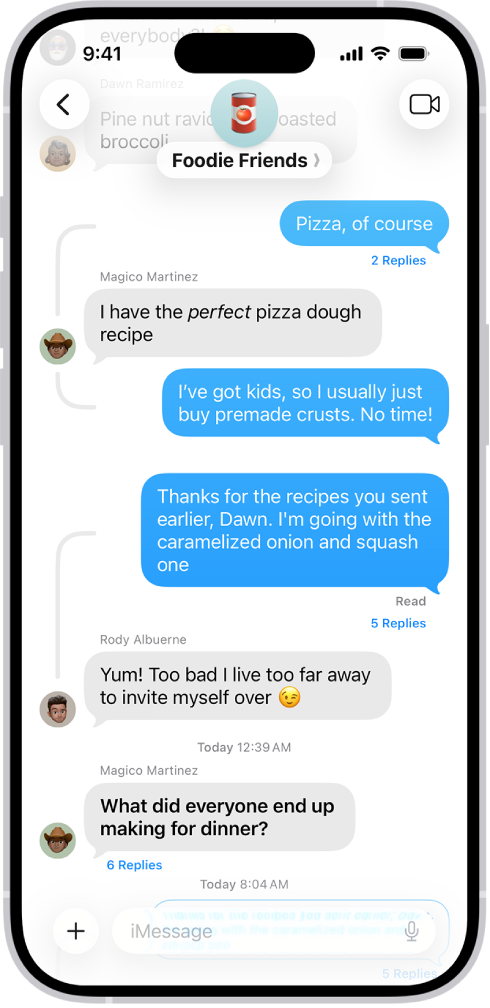
Pinch to Zoom
One of my pet peeves. Why are so many developers allowed to turn this off? If there is an image on the screen, I’d prefer to be able to use pinch-to-zoom rather than have to rely on the Accessibility controls.
“I can’t … loan someone an art app to try out”
Notifications History
minimalnerd pointed out that you occasionally dismiss a notification inadvertently, and then it’s gone forever. We’d like a way of access the dismissed ones, at least for a certain amount of time.
Handoff for Music
heybradk made a good point that moving your song around between devices doesn’t work the way that people expect it to.
Default Skin Tone
thepujamalhotra pointed out that you cannot set a default skin tone for all the emoji in which a range of skin tones appear.
Auto-rotate Photos
alexandreroche posted that there are no auto rotation functions in the Photos app.
AI-created Playlists
cwood_dgr suggests that AI should be able to build playlists in Apple Music.
Instant Power On
vintageneon would like the iOS devices to run directly from mains power when they are plugged in, so they start up and are usable almost instantly. This is possible in some other products, particularly ones that have removable batteries, so we don’t understand why the iOS devices can’t function similarly.
Pin Radio Stations
davies_nick points out that you can’t pin a favorite radio station in Apple Music.
Run all iPhone apps on macOS in a little emulator
People are possibly already confused about why some things work on one device but not another, but rather than remote-controlling my iPhone, which is admittedly nice, keifywithanf says we could have them run in a similar simulator to the ones developers themselves get to use.
The next two are from me:
Loaning Apps
Although you can add a family member and they get access to your purchased apps and media, there’s no good way to do it temporarily.
Developers can “loan” us apps they’re working on via TestFlight and library systems can loan us eBooks, but I can’t, for example, loan someone an art app to try out if there is no free lite version for them to test with.
In this scenario, I would set an embargo date no longer than 30 days and I would be unable to use the app, watch the movie, listen to the song or read the ebook on any of my devices during that period. The borrower would have a list of borrowed items with end dates like in TestFlight and you could choose to have warning notifications and auto-deletion of the app if you prefer. The list of previously borrowed items would still be accessible in case you want to go back and buy the item.
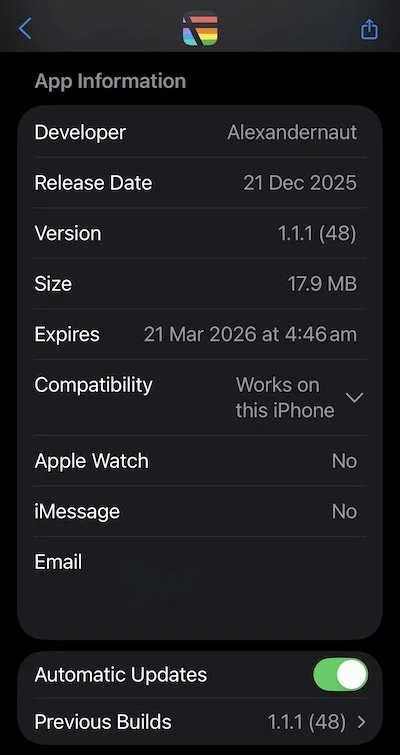
Hey dad, can I borrow an app, see ya later can I have it please?
Linking to Settings
There are so many pages in Settings, it’s difficult to find things. People trying to help each other either send breadcrumbs like Settings > This > That and/or make a screenshot with the setting highlighted. But it’s too easy to get lost along the way. Some people try to search but get frustrated because Spotlight still doesn’t know what we want. This idea would give you a shareable link that takes the recipient directly to the Settings page with the setting that they need to change. Tap the link, it opens Settings on your device directly. They could even have it do even fancier things like allow you to highlight a specific setting and screenshot the whole thing, ready to paste to the person you’re trying to help.
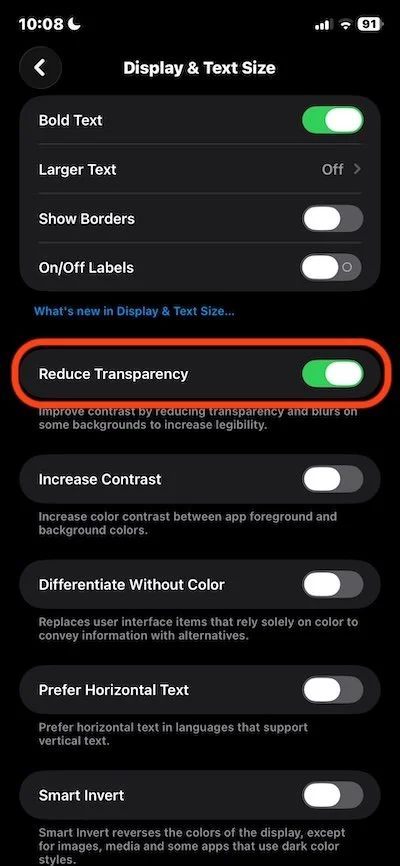
Send a link to get them there quicker